In partnership with


How Jennifer Aniston’s LolaVie brand grew sales 40% with CTV ads

For its first CTV campaign, Jennifer Aniston’s DTC haircare brand LolaVie had a few non-negotiables. The campaign had to be simple. It had to demonstrate measurable impact. And it had to be full-funnel.
LolaVie used Roku Ads Manager to test and optimize creatives — reaching millions of potential customers at all stages of their purchase journeys. Roku Ads Manager helped the brand convey LolaVie’s playful voice while helping drive omnichannel sales across both ecommerce and retail touchpoints.
The campaign included an Action Ad overlay that let viewers shop directly from their TVs by clicking OK on their Roku remote. This guided them to the website to buy LolaVie products.
Discover how Roku Ads Manager helped LolaVie drive big sales and customer growth with self-serve TV ads.
The DTC beauty category is crowded. To break through, Jennifer Aniston’s brand LolaVie, worked with Roku Ads Manager to easily set up, test, and optimize CTV ad creatives. The campaign helped drive a big lift in sales and customer growth, helping LolaVie break through in the crowded beauty category.
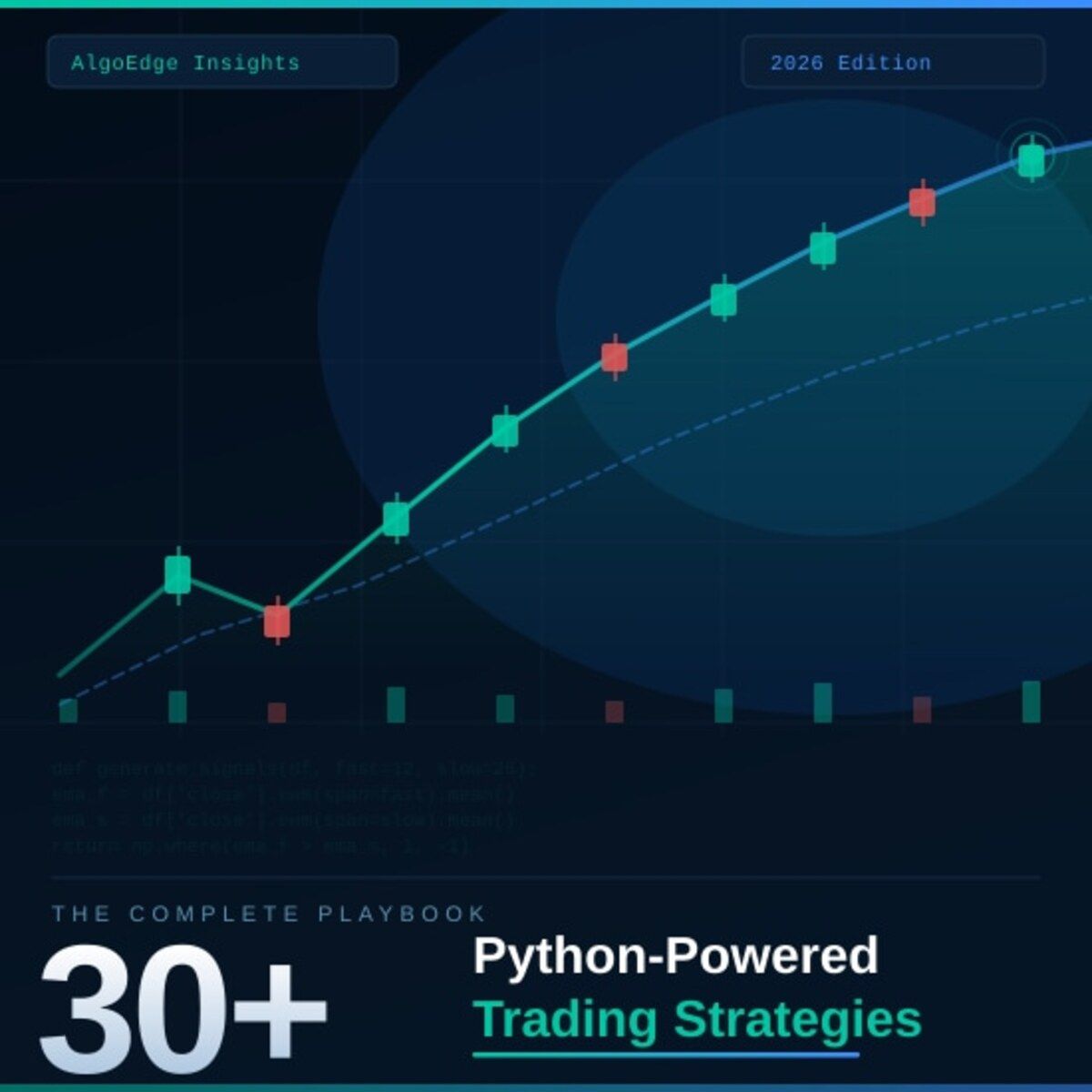
② One strategy in this book returned 2.3× the S&P 500 on a risk-adjusted basis over 5 years.
Fully coded in Python. Yours to run today.
The 2026 Playbook — 30+ backtested strategies,
full code included, ready to deploy.
20% off until Tuesday. Use APRIL2026 at checkout.
$79 → $63.20 · Expires April 28.
→ Grab it before Tuesday
⑤ Most quant courses teach you to watch. This one makes you build.
Live. Weekly. With feedback on your actual code.
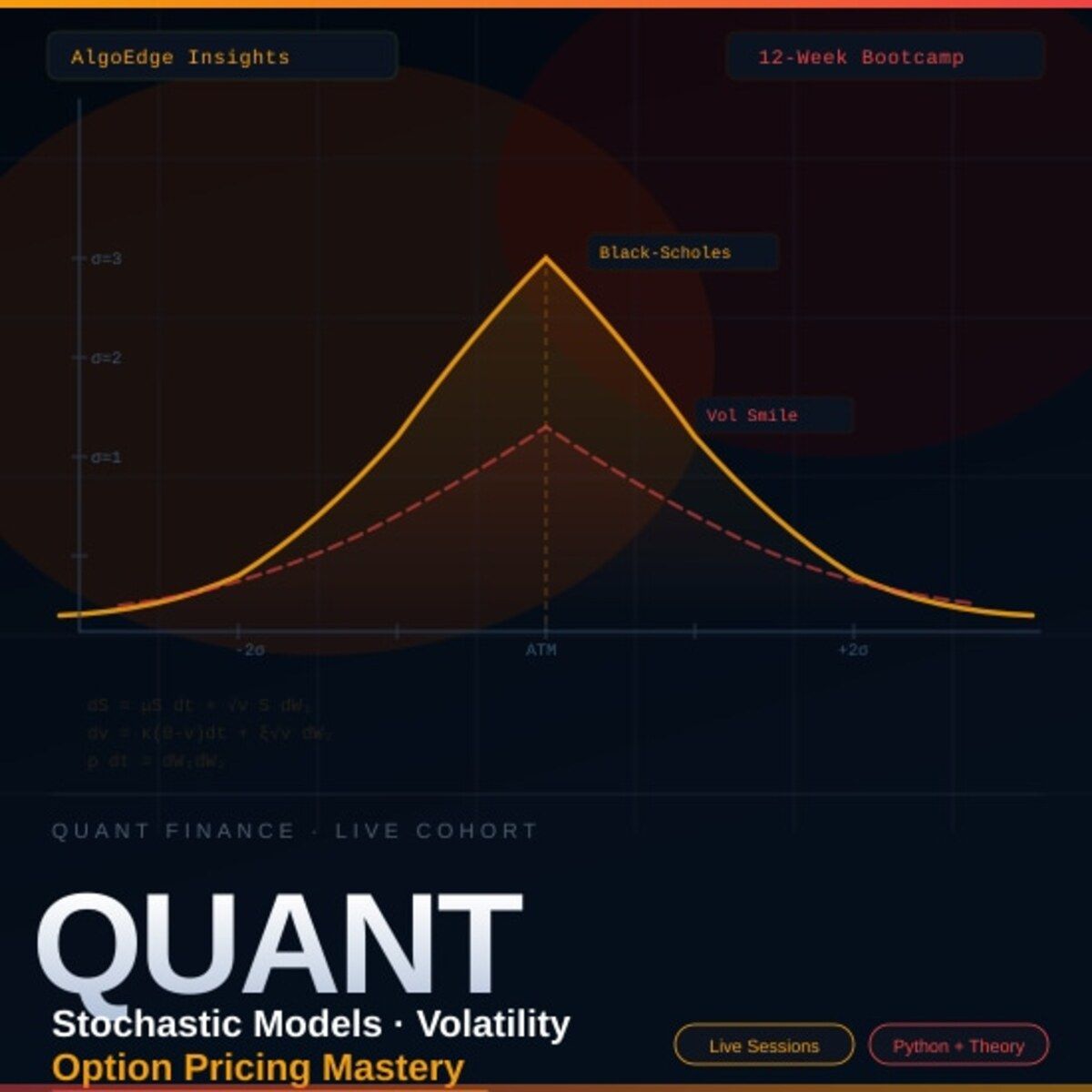
The AlgoEdge Quant Finance Bootcamp — 12 weeks of stochastic models, Black-Scholes, Heston, volatility surfaces, and exotic options. Built from scratch in Python.
Not pre-recorded. Not self-paced. Live sessions, weekly homework, direct feedback, and a full code library that's yours to keep.
Cohort size is limited intentionally — so every question gets answered.
→ Before you enroll, reach out for a 15-minute fit check. No pitch, no pressure.
📩 Email first: [email protected]
Premium Members – Your Full Notebook Is Ready
The complete Google Colab notebook from today’s article (with live data, full Hidden Markov Model, interactive charts, statistics, and one-click CSV export) is waiting for you.
Preview of what you’ll get:

Inside the Strategy Lab
Installation cell — installs
mogptkandtorchvia pip with a runtime restart reminder, plus a note on the Python 3.7 requirementDataset download and preparation — auto-downloads the Air Passengers CSV from the Brownlee GitHub repo, converts it to a MOGPTK-compatible numeric array, saves it locally, and prints shape/min/max/mean stats
Raw data visualization — two-panel plot showing the original passenger series and its log-transformed version side by side
Imports and seed — loads numpy, torch, mogptk, and matplotlib with
torch.manual_seed(0)for full reproducibilityPreprocessing pipeline — applies
TransformDetrend(degree=2)+TransformStandard()+remove_range()at stop=82 to create the train/test split, with a verification plot confirming trend removalCSM model (4 cells) — runs Cross Spectral Mixture with Q=2 and BNSE initialization across all four optimizers (Adam, L-BFGS, SGD, AdaGrad), each in its own cell with a prediction plot and observation printout
MOSM and SM-LMC models (4 cells each) — same structure as CSM, one cell per optimizer, with model-specific observation notes highlighting differences (SM-LMC Adam distortion, MOSM mirroring CSM behavior)
SM model (4 cells) — Spectral Mixture per channel across all four optimizers, with a note confirming near-identical results to SM-LMC + Adam
CONV model (4 cells) — Convolutional Gaussian across all four optimizers, with an observation cell explicitly flagging the overfitting pattern (perfect in-sample, linear out-of-sample) regardless of optimizer
Summary table and conclusions — a markdown comparison table of all 5 models × 4 optimizers, key takeaways (BNSE benefit, CONV overfitting, SGD/AdaGrad limitations), and a formatted terminal printout with Pass/Partial/Fail status for every model-optimizer combination
Free readers – you already got the full breakdown and visuals in the article. Paid members – you get the actual tool.
Not upgraded yet? Fix that in 10 seconds here👇